To add text, links, images, and more, use the free form content block in Content Builder.
 |
Watch a Video of this Article |
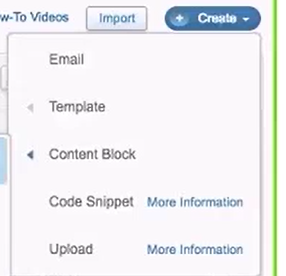
- Click Create in the top right-hand corner.

- From the dropdown menu hover over Content Block.
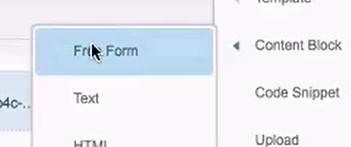
- Choose Free Form from the dropdown.
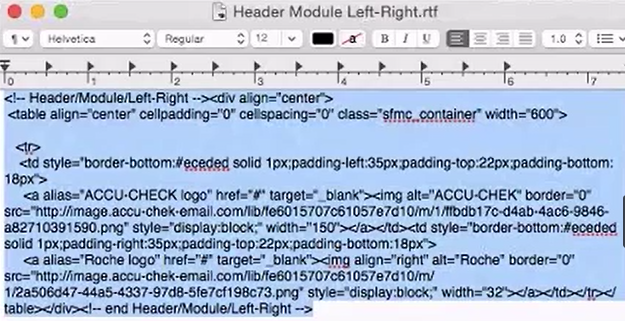
- Open the HTML file you desire and Copy the HTML from the document.
- In the HTML Editor Tab in your Free Form content, Paste the HTML from the document into the HTML Editor tab in the field at the left.
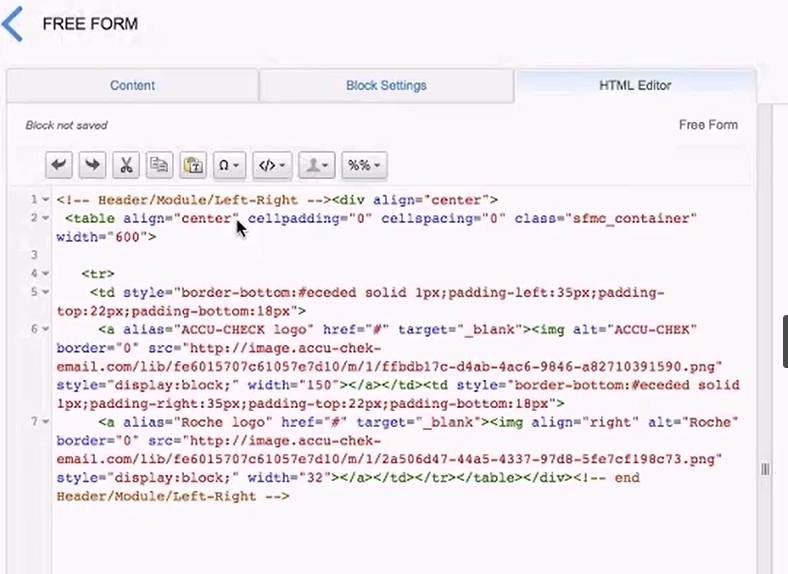
- Review how the HTML renders in the Preview pane to the right.

- Click on the Content tab.

- Right-click on the image shown in the editor pane at left.
- Choose Edit Link from the menu.
- From the Link To dropdown choose Website or Secure Website.
- In the Link URL field, enter the appropriate URL for the website in your market.
- In the Title field, enter a Call-to-Action.
- Change the Tracking Alias as desired.
- Click OK to close the Link Properties window.
- Click Save in the upper-right corner.
- Name your content block.
- Under Location click Move choose your folder
- Click Save.