Some affiliates have encountered issues when posting or previewing article from a WCMS site.
The most valuable tool for working on this issue or previewing what your article will look like is the Sharing Debugger.
Issue #1: Strange code is visible
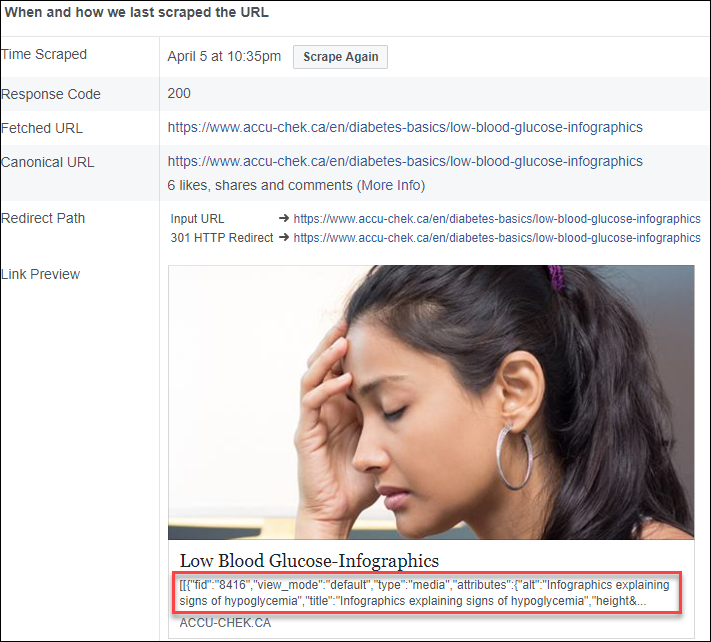
This is caused by an image being the first piece of content in your article.
This code you are seeing comes from the "Add media" button in the editor, which seems to have issues. Instead, you should add images via the "Image" button. See the below screenshot.
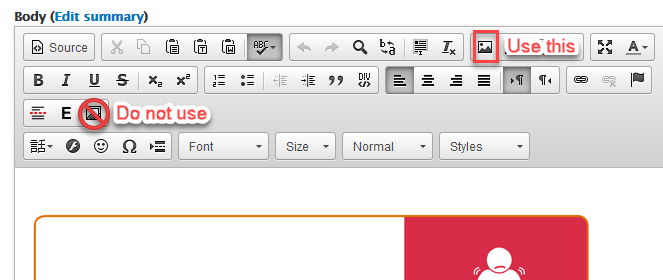
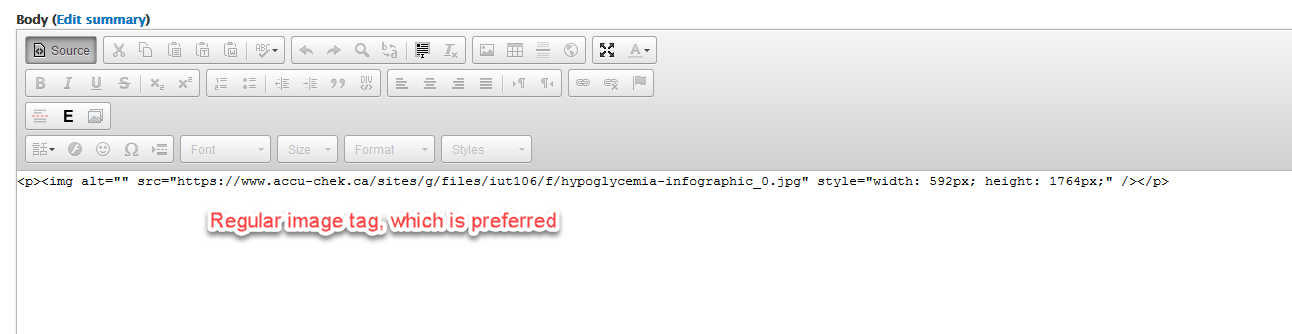
You can confirm which element is used by looking in the code view of the body of the article:

Here is what you want to see:
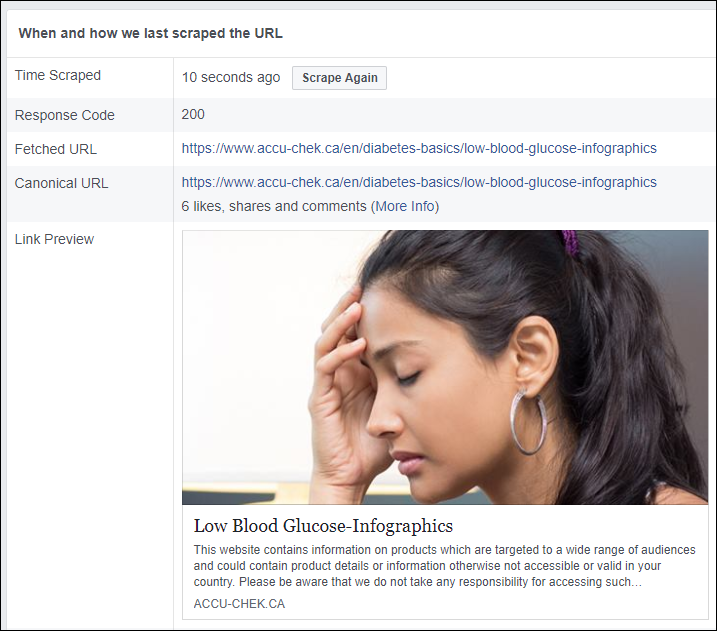
Now when this article is scraped again, that weird image code is gone.
Another example of strange code you might see at the beginning of the description is This is a special HTML character called a non-breaking space. You will need to switch to code view in the body of the article and delete these characters.
Issue #2: The wrong image is selected
You can select which image is used by Facebook Share in the OPEN GRAPH META TAGS section.
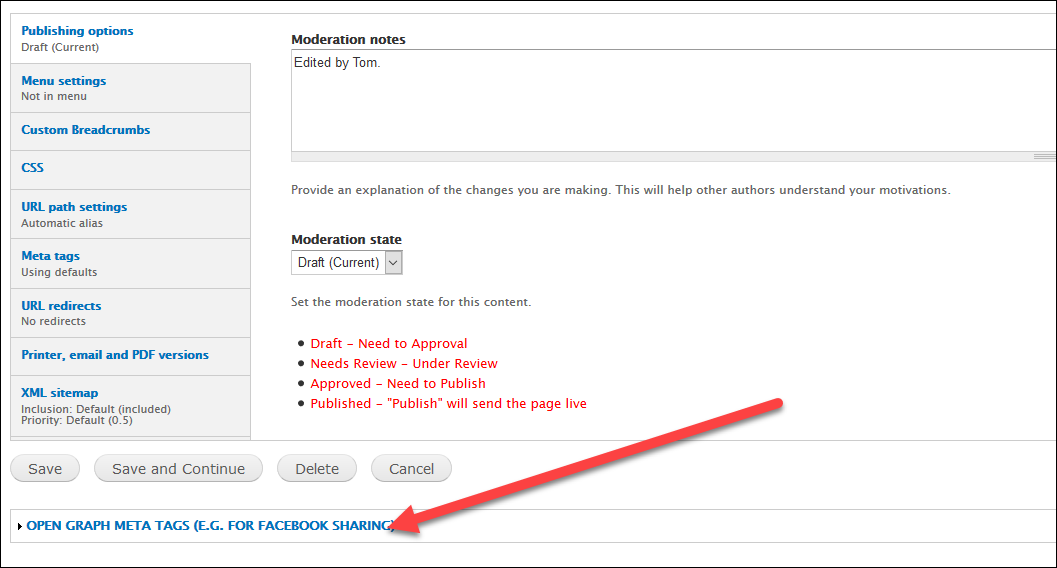
NOTE: This feature is not enabled by default. You will need to submit a request asking for the OPEN GRAPH META TAGS section to be added to your site.
Any images uploaded in the body of the article should also be available to select.
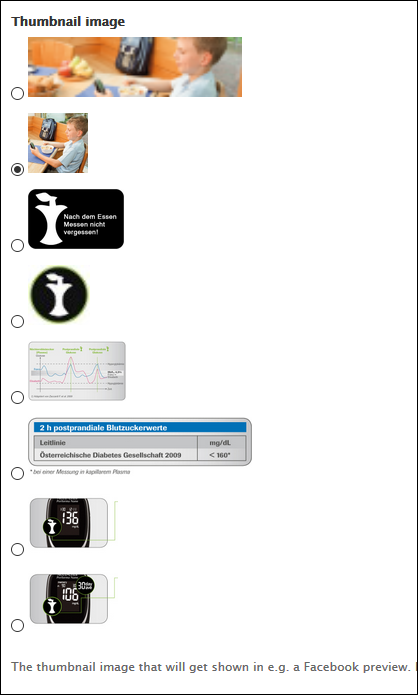
Select your new desired image (it will use the default thumbnail if nothing is selected). Save and check with the Sharing Debugger to see if the image is now present. If not, try having the cache cleared.