Where do you manage this part of the site?

Go to The Configuration menu dropdown and select EU Cookie Compliance.
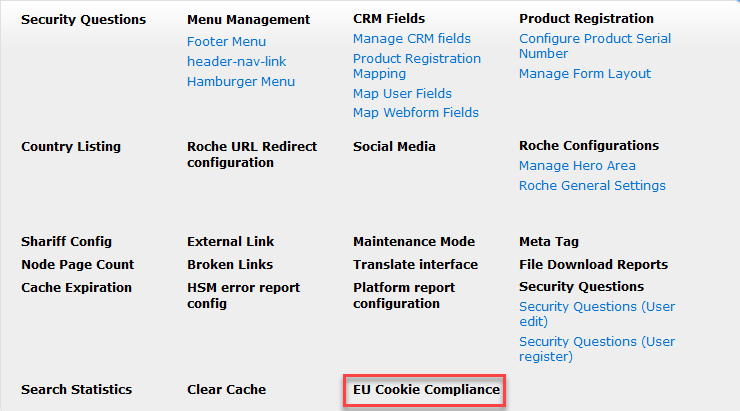
!NOTE: If this link is missing from your configuration dropdown, please submit a support request and we will add it for you.
If this link is not present, you can also get to it by clicking on configuration itself at the top and then searching for "EU Cookie Compliance" and clicking on it.

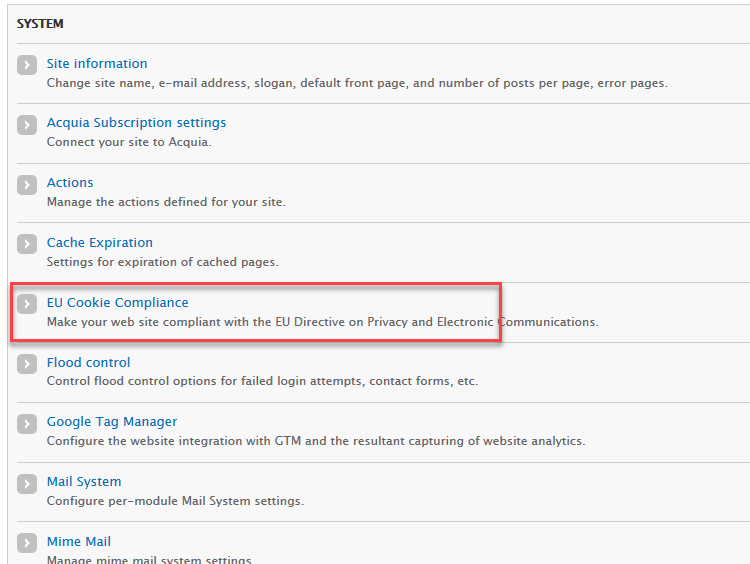
Now that you are in the right place you can edit the text or all other available settings:
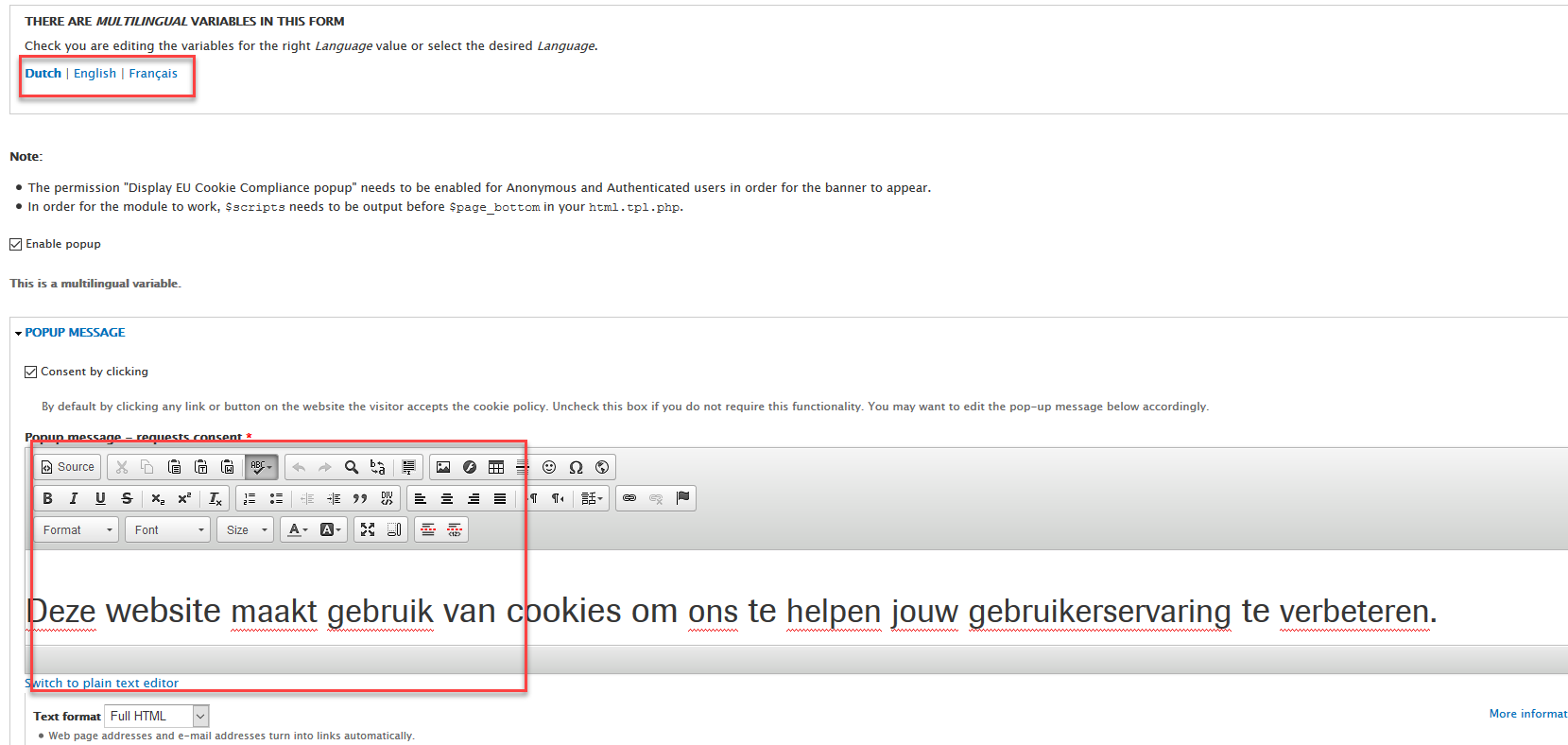
!NOTE: If you have a multi-lingual site, you will need to click the appropriate language at the top.
Once you have made your changes, click Save Configuration.