Menu Explainer
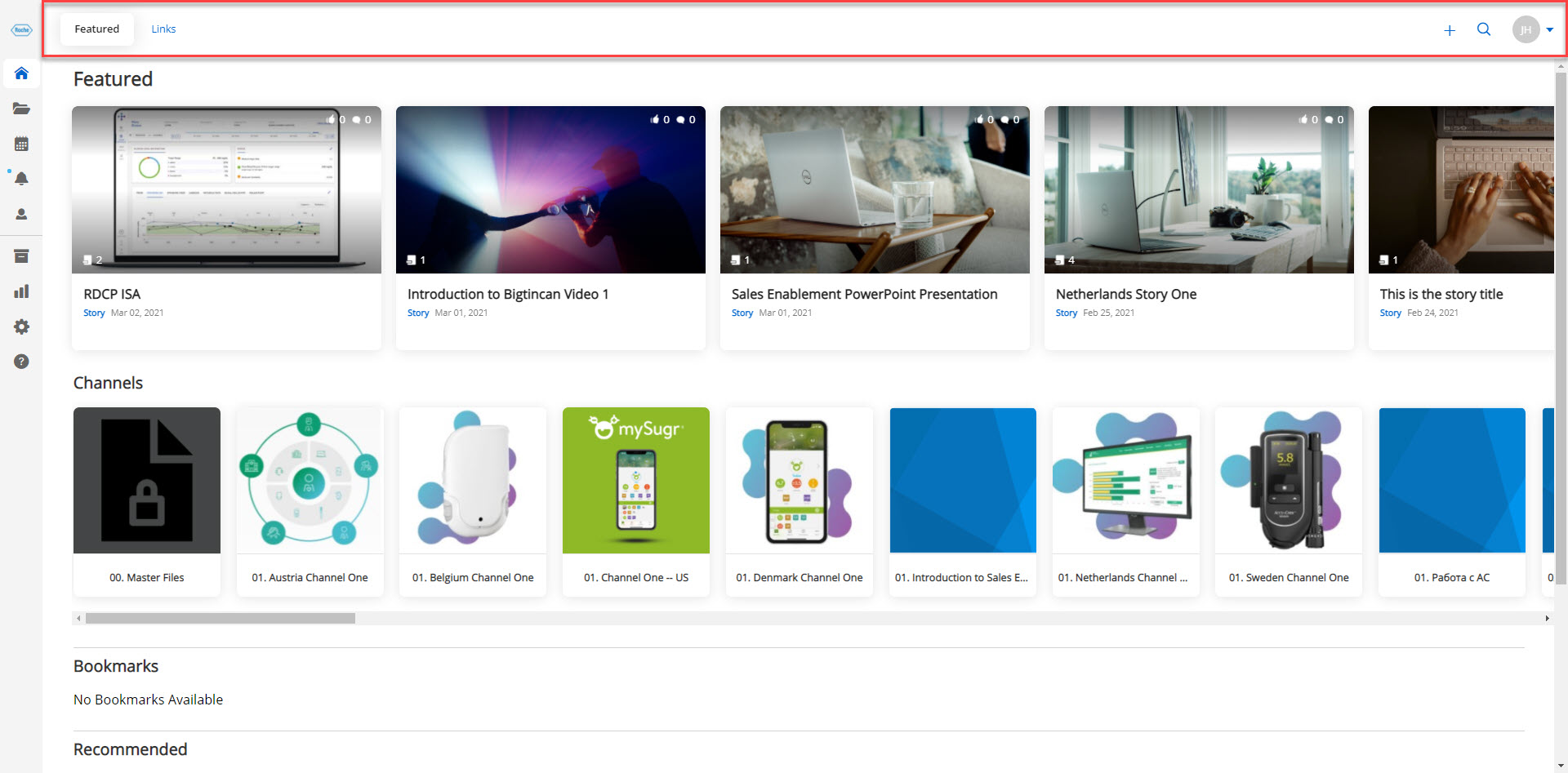
The Menu sits at the top of the page horizontally. It contains the following buttons; Featured and Links. You will also find the following icons in the top right corner; Create, Search, and Profile. In this article, we will go through each of these sections.
Featured
Featured is the 1st tab that you see when you arrive on the landing page. This tab will show your Featured Stories, Channels, Bookmarks, and Recommended.

Links
Links is the 2nd tab that you see when you arrive on the landing page. This tab will show you all of the links that you have added for quick reference.

Create
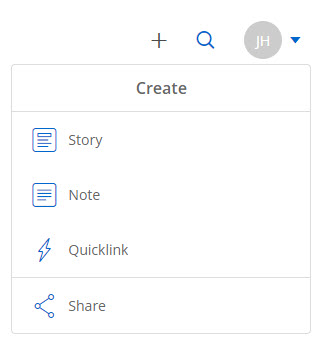
The Plus icon acts as a quick creation tool. From the dropdown you can choose to create the following:
- Story
- Note
- Quicklink
- Share
Search
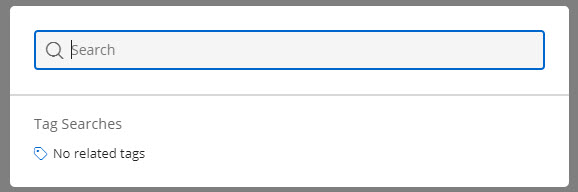
The search pop-up allows you easily search tags that are added to specific pieces of content or search for words and phrases that might be used in a specific piece of content. This feature allows you to quickly find anything you need.
Profile
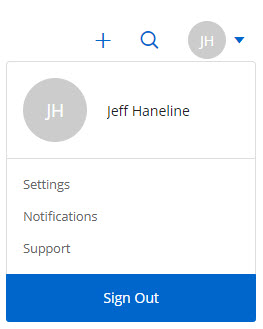
From your profile you can select the following:
- Me
- Settings
- Notifications
- Support
- Sign Out