|
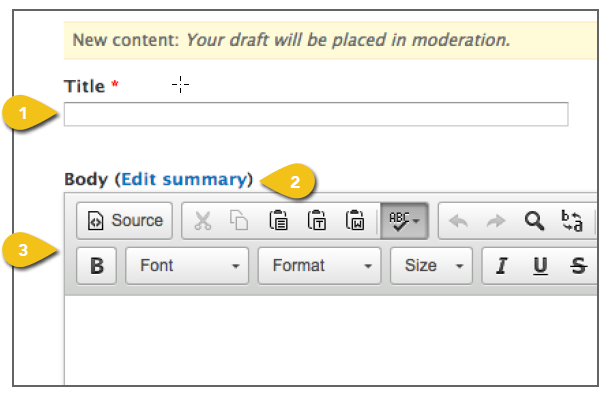
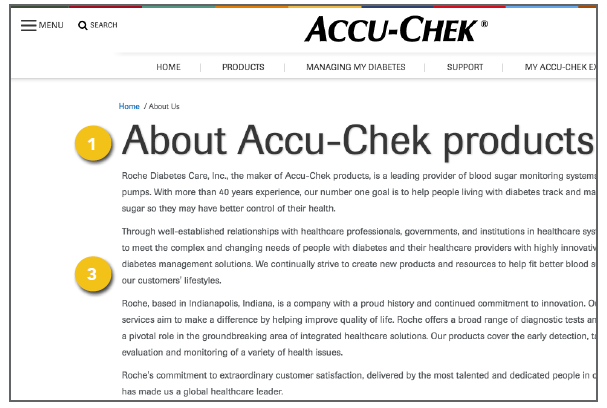
A basic page is a simple template that can be used for About Us pages, educational information or any other type of straightforward text-based content. Select Create A Basic Page from the Manage Content dropdown, then follow the steps below.
|
|
|
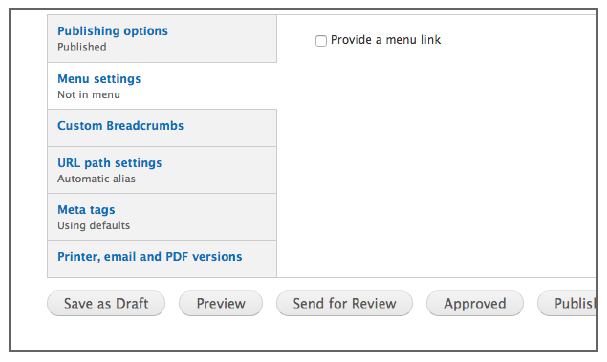
Additional Content These tabs appear beneath the primary content fields in the template. Get step-by-step instructions for the remaining options, including Publishing Options and Menu Settings in the Additional Content Details section. Meta Tags Add page and content Meta Tags that incorporate popular search terms to aid in search performance and user access. See Meta Tags for additional detail. Save or Publish
! Make sure the correct Moderation State is selected on the Publishing Options tab to avoid publishing content before you are ready. The system will default to Published and will send the page live, even if you click a different button at the bottom of the page. |
|