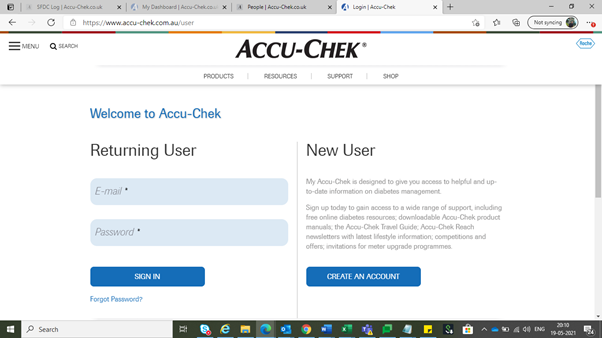
- Log-in to the site as an admin user to arrive at the workbench
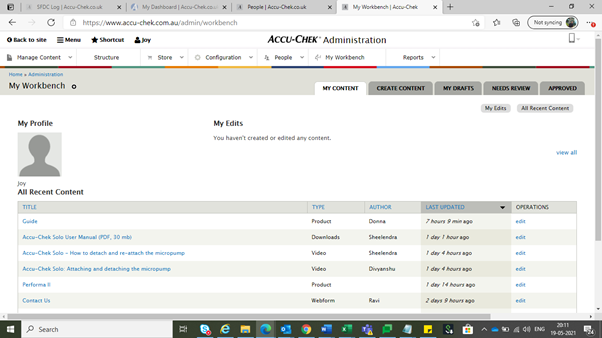
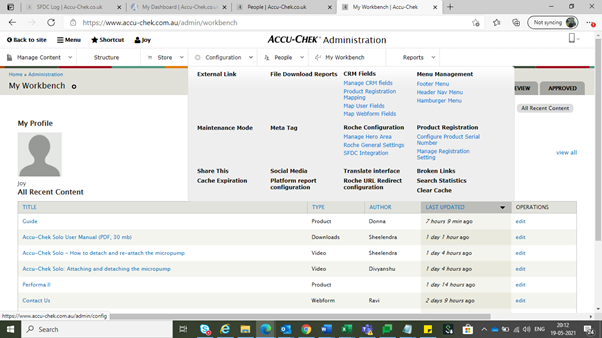
- Click on “Configuration” option on the menu as highlighted in the screenshot.
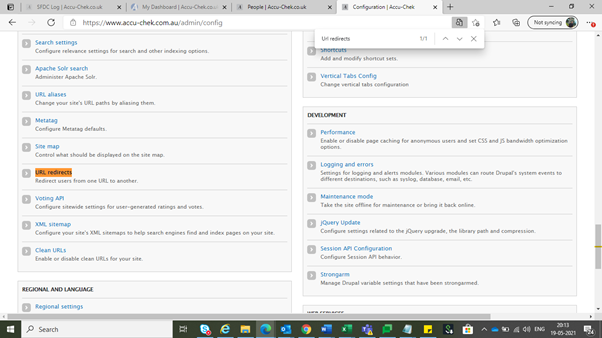
- Search for “URL redirects” to arrive at the option and click on it.
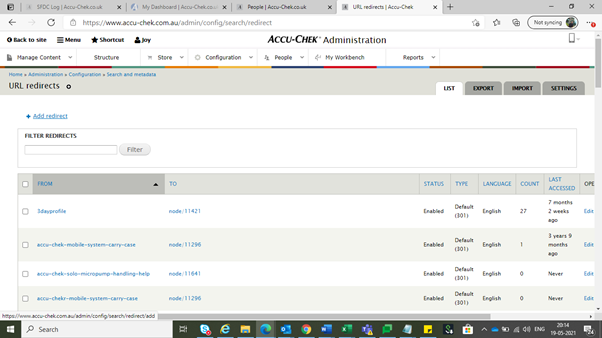
- For setting a new redirect please click on “Add redirect” option
- For the “From” option always use the path after [sitename]/
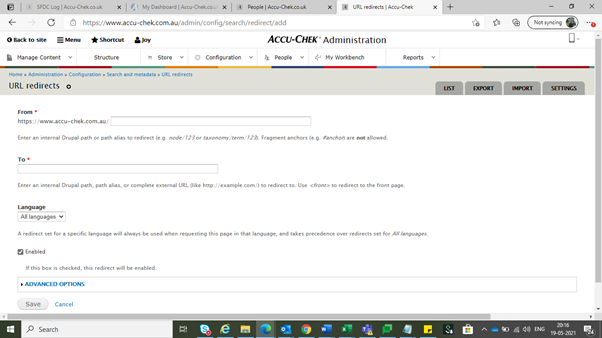
- For the “To” option use the full path of the page where you want to redirect the user
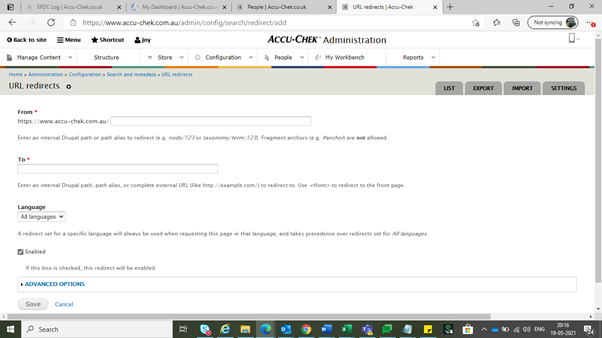
- For the language option, always select the language of the site for which you want to set the redirect
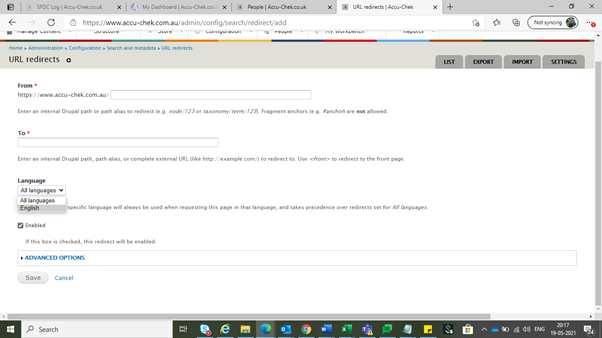
- Save the configuration for the configuration to get added.