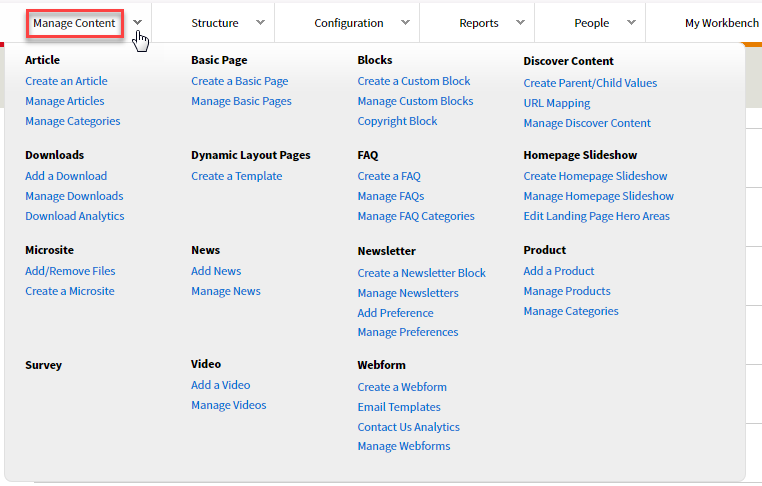
Go to the Manage Content dropdown and select the content area for which you would like to find the node number. For example, click on the Manage Article link if you are looking for the node number of an article or click Manage Product if you are looking for the node number of a product.
Once you land on the Manage Content page of a content area, hover your mouse over the Edit button and look for the white box rectangle at the bottom of the page. You will see a node number in that URL in the format of node/1234. The example in the screenshot below is node/5121.
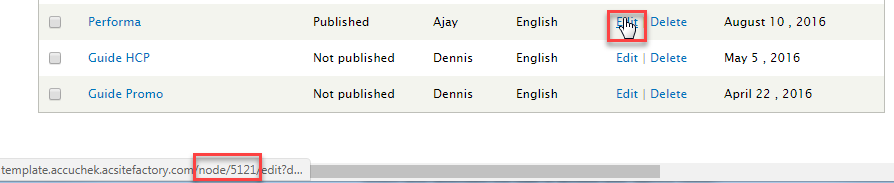
When linking to a piece of content, simply type the URL in this format node/1234.