Note, you must be a manager of a group in order to mark a course as complete.
1. First, log into Engage Pro Learning. For detailed instructions, please read this article.
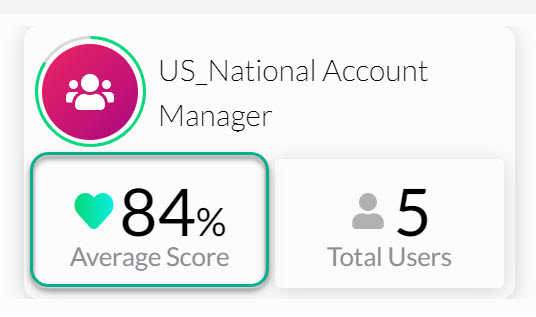
2. Click on the "Average Score" box in the "Group Summary" section.
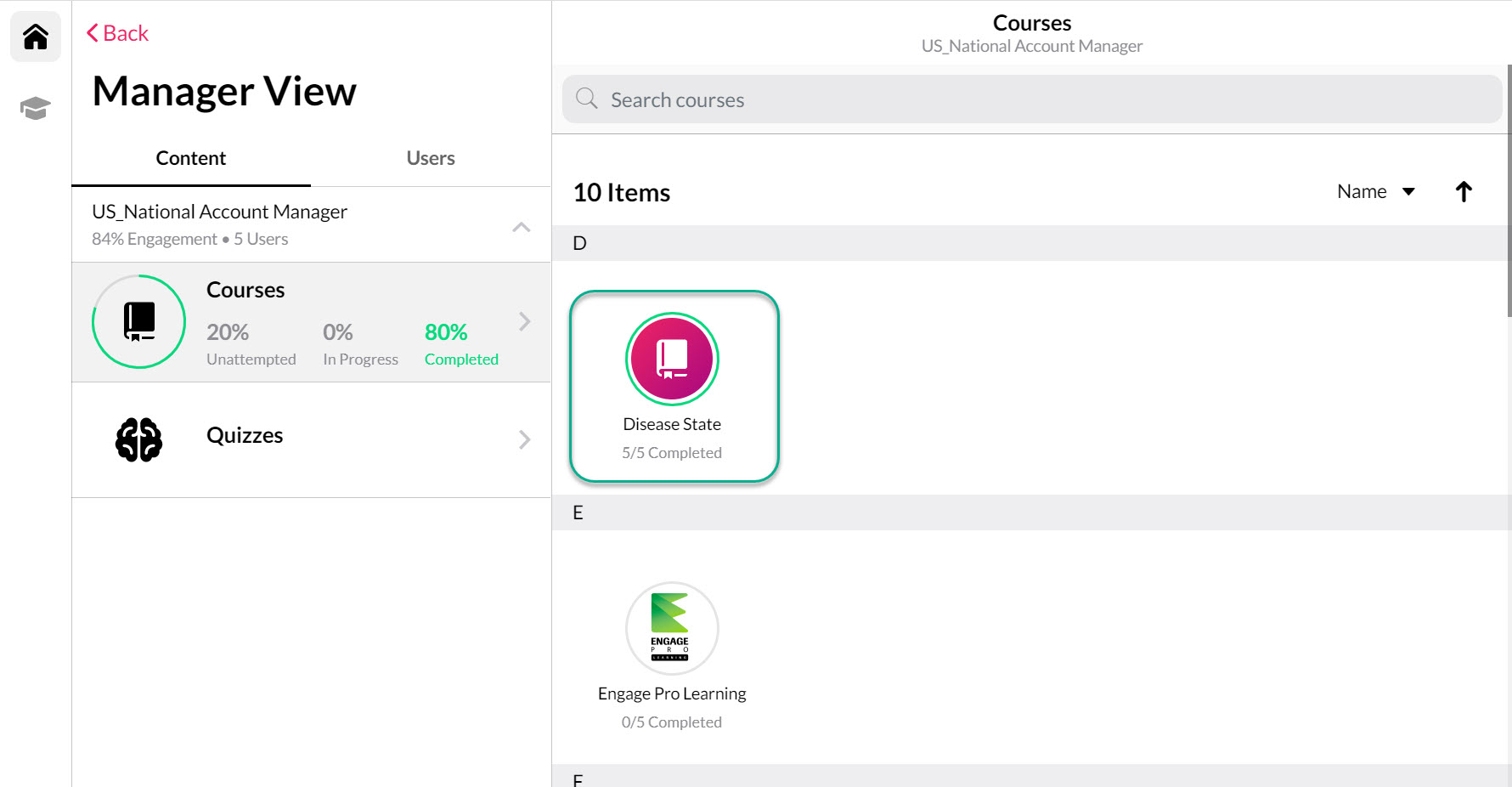
3. Select a course from the "Courses" section that you would like to complete on behalf of a user(s).
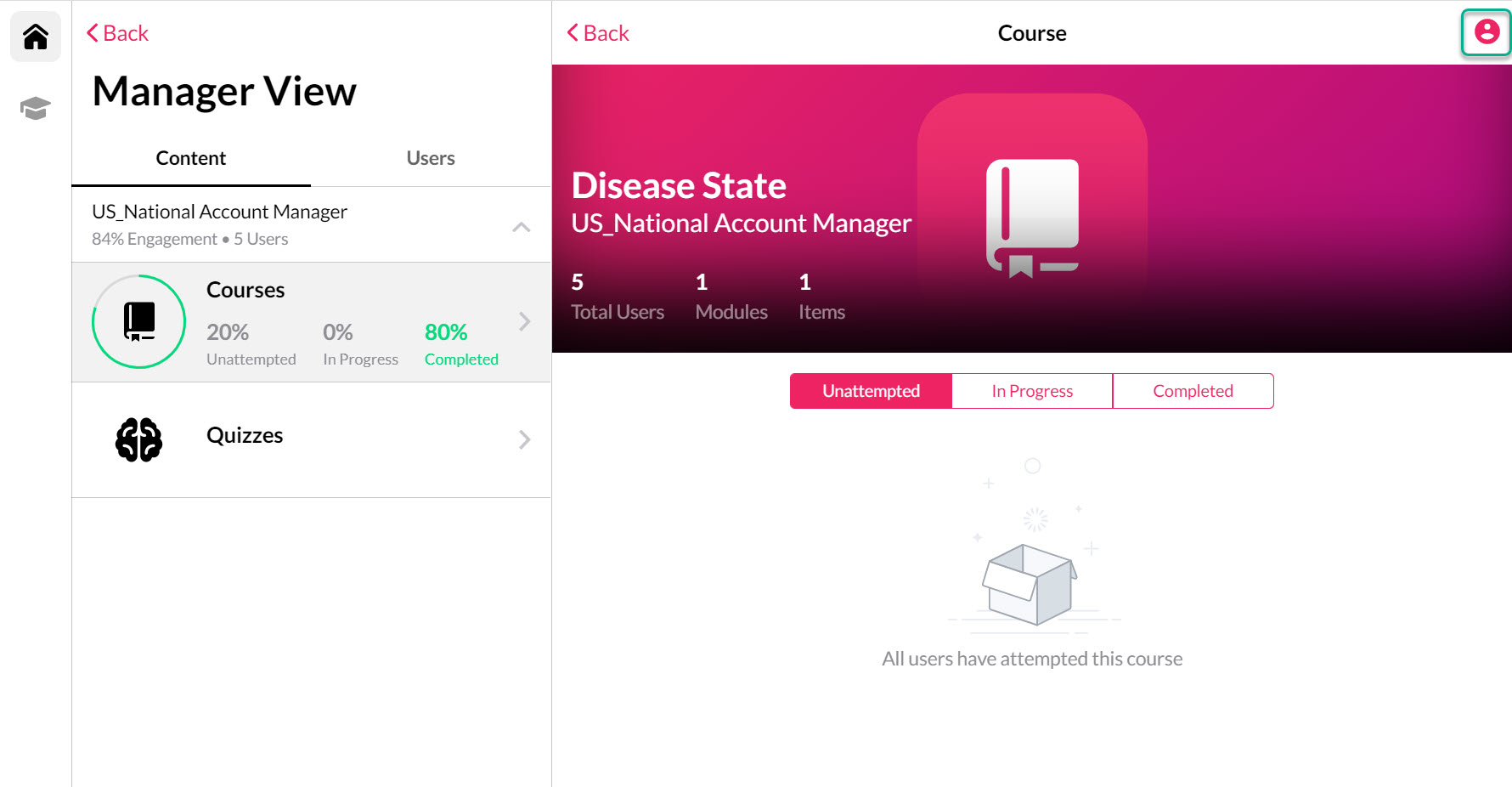
4. Select the "person" icon in the top right corner of the page.
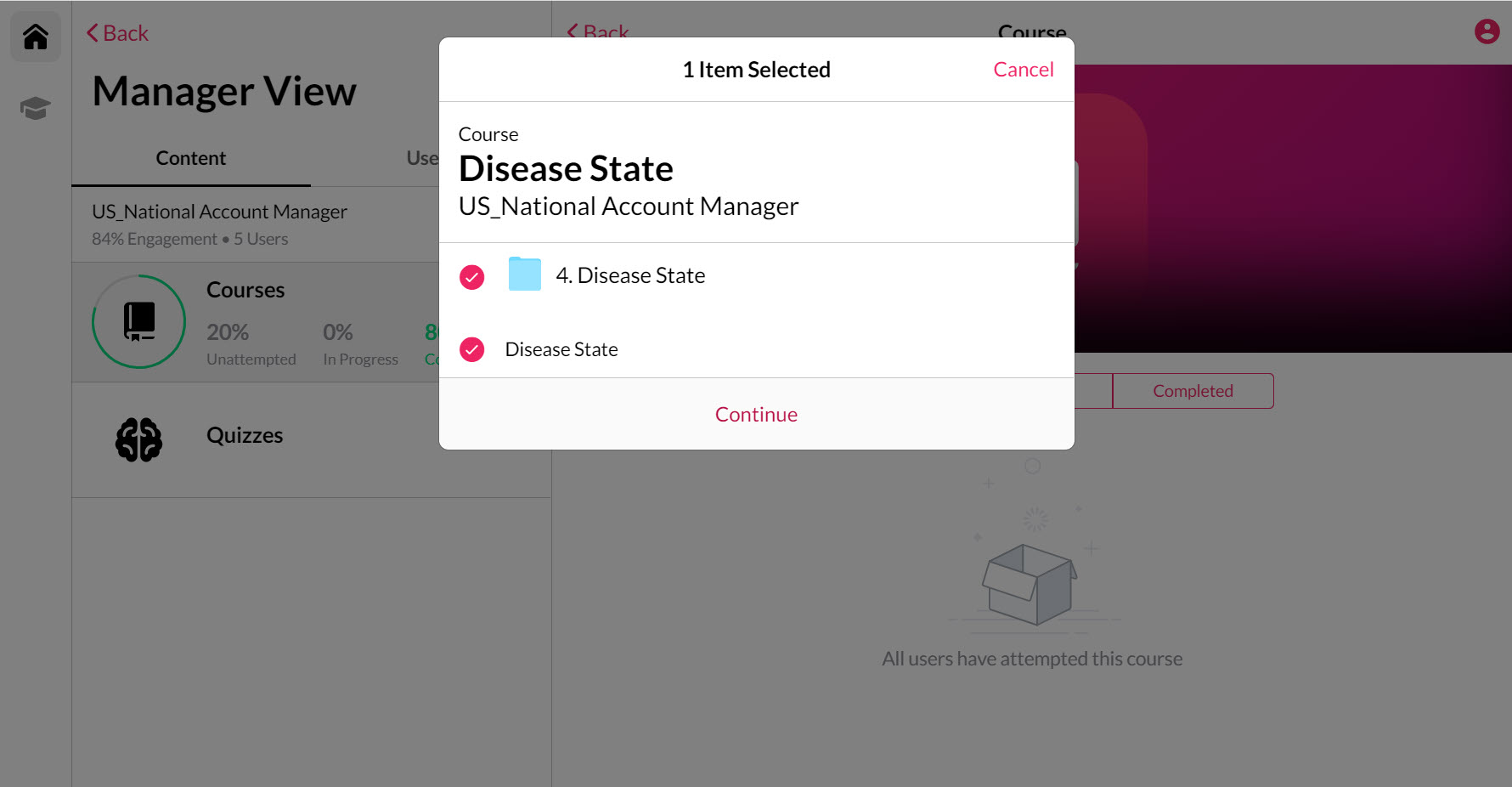
5. Select the content that you would like to complete on behalf of a user(s) and select "Continue".
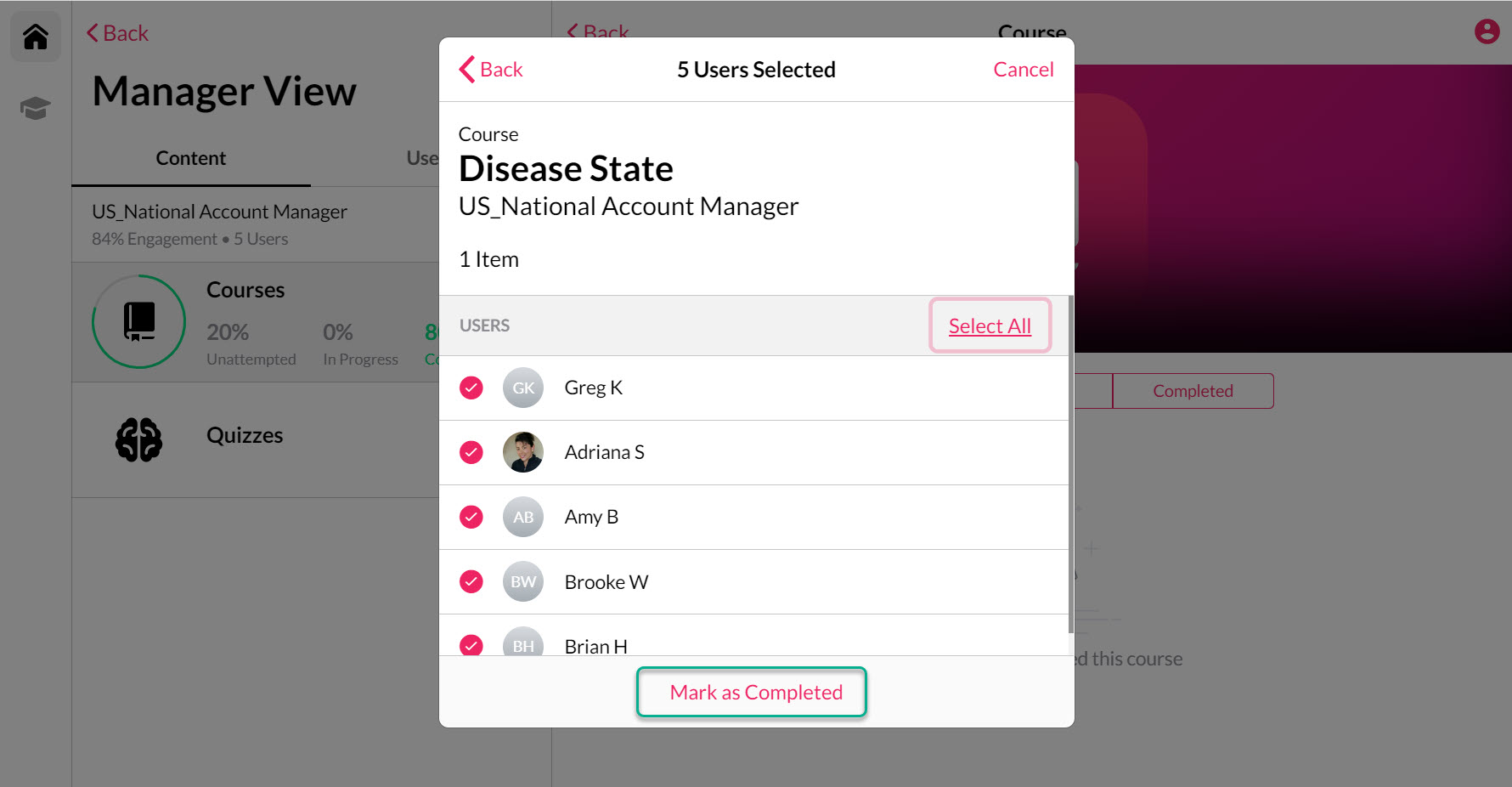
6. Lastly, select the individual users that you would like to complete this course for and select the "Mark as Completed" link at the bottom of the pop-up box.