This document explains how to clear existing data out of a data extension.
- Navigate to Email Studio > Email > Subscribers > Data Extensions (or Shared Items > Shared Data Extensions)
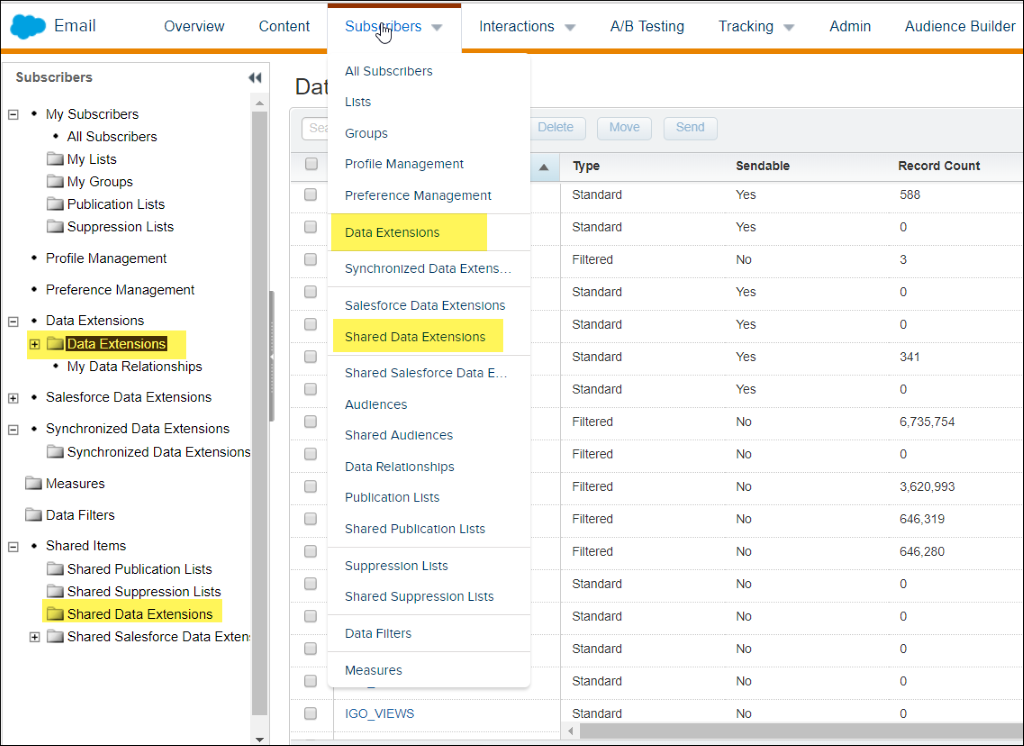
- Navigate to the folder containing the date extension you want to clear.
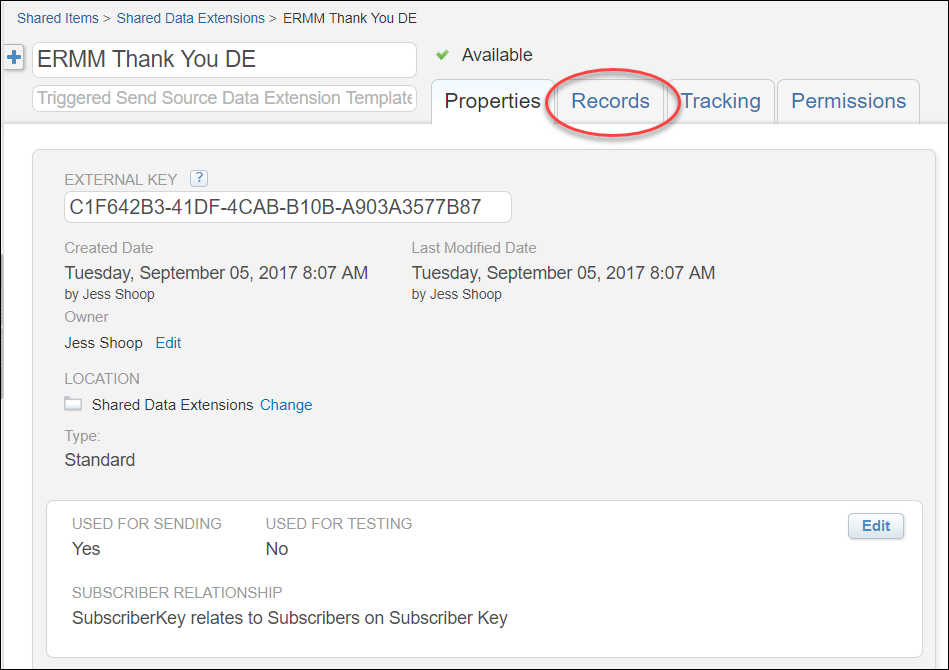
- Click on the data extension name, then click on the Records tab.
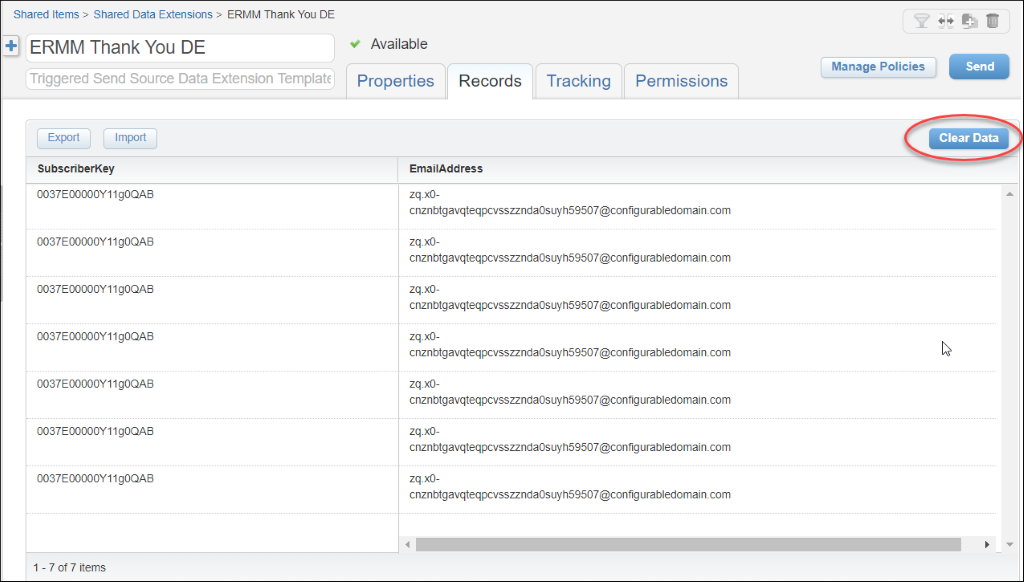
- Click on the blue Clear Data button on the right side of the screen (above the header row).
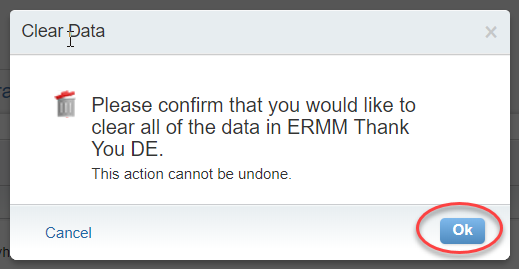
- Click OK to confirm and all data in the data extension will be deleted.