1. Navigate to the Analyze tab

2. Next, go to Workbenches
3. Click Create Workbench
4. Select Add New Dataset
Note: You can create a workbench and pull data from a topic profile (like the dashboard information) OR from any social media account you have connect for your local country. If you select Topic Profile, you will have two options (again, like the dashboards you see for your local country) One for _Global Diabetes Overall and one for _Global Accu-Chek and Competitors. If you are looking for specific product related information for our brand or competitors, sentiment around our products, top words, influences, etc then select: _Global Accu-Chek and Competitors. If you are looking for industry or disease related information, then you will select:_Global Diabetes Overall.
5. After you select a dataset, select Create Dataset
6. You have the option to:
1. Name your workbench

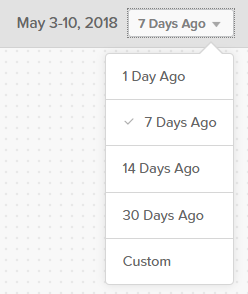
2. Change the date range
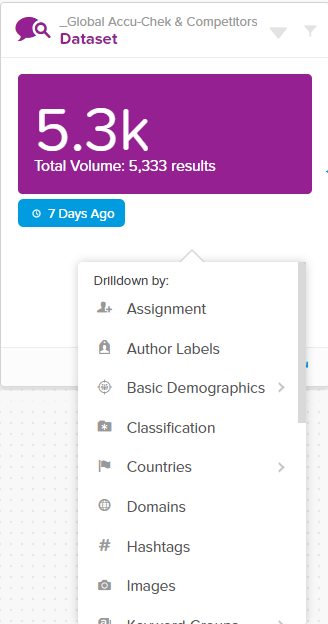
7. The information is automatically filtered for Global content. So, before you begin- first filter the content for your local country. You can do so by left clicking on the dataset
8. Find your local country and then you can left click again to see filtering options
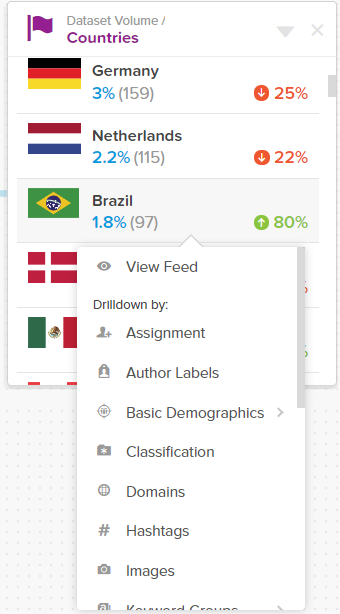
Note: You will see that when you left click, there is a long list of filtering options. The goal of workbenches is to allow you slice and dice the information to find the specific measures, information, data, and KPI's that you need. You can continue filtering down to find influences, top words, authors, sources, top hashtags, images, share of voice, sentiment, etc. You can filter all of these based on products, brands, keywords, etc. The options are endless.
Note: On any of the cards you can select View Feed

And you can examine the actual feed to see the conversation
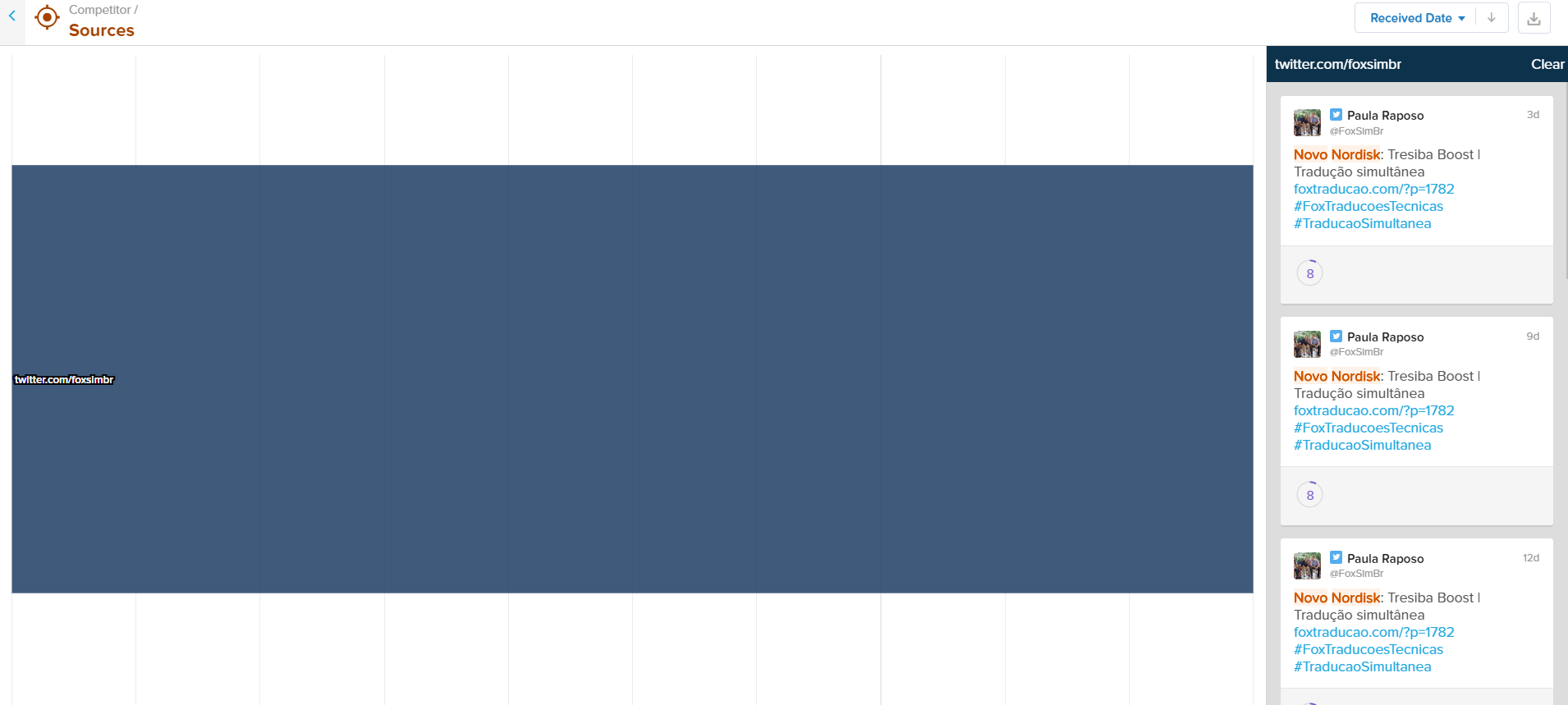
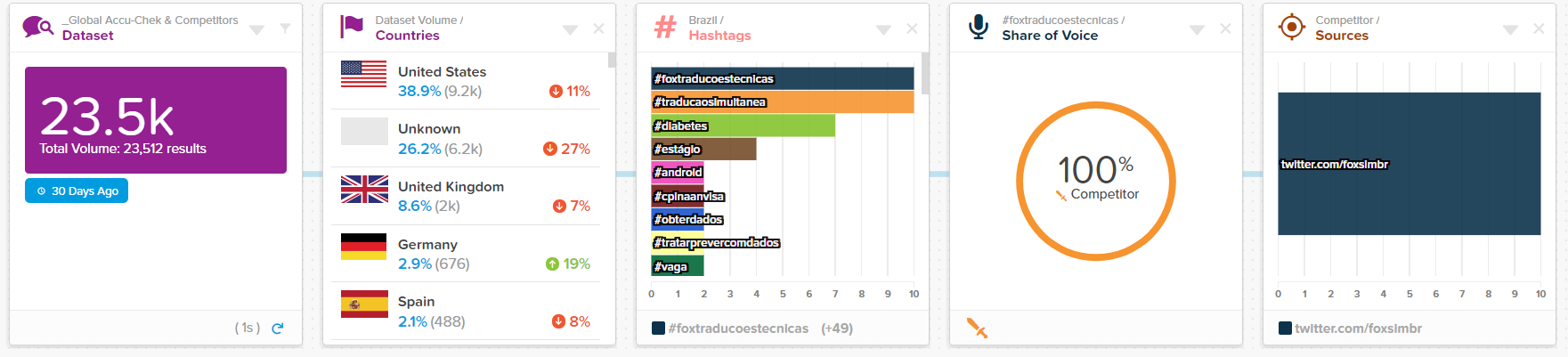
Note: See an example from the past 30 days of filtering down to find what the top hashtags are in Brasil and that the top one (#foxtraducoestecnicas) is coming form a competitor on twitter.