|
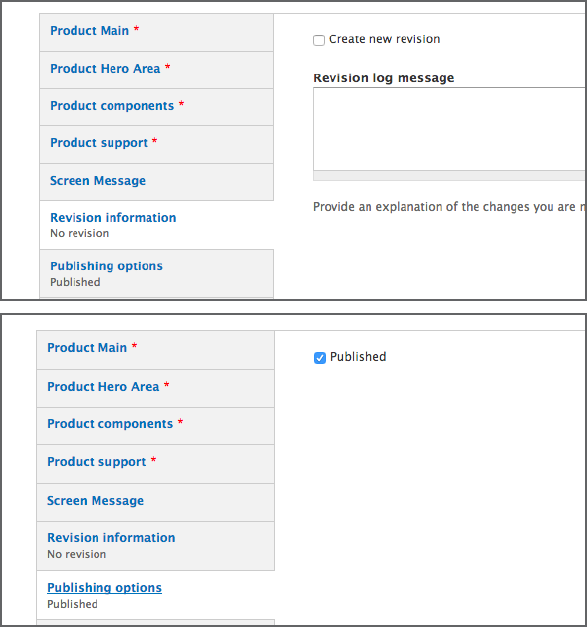
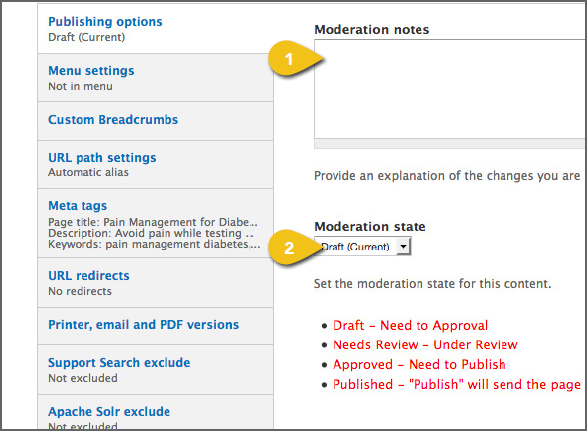
Note that all tabs do not appear in every Revision Information Publishing Options In some modules, you will see only a checkbox. Some modules include the following fields: 1. Moderation Notes: Add a note whenever 2. Moderation State: Ensure that the correct • Draft—Save version to continue • Needs Review—Save version and • Approved—Save version and mark as • Published—Selecting this will send the ! Make sure the correct Moderation State is |
|
|
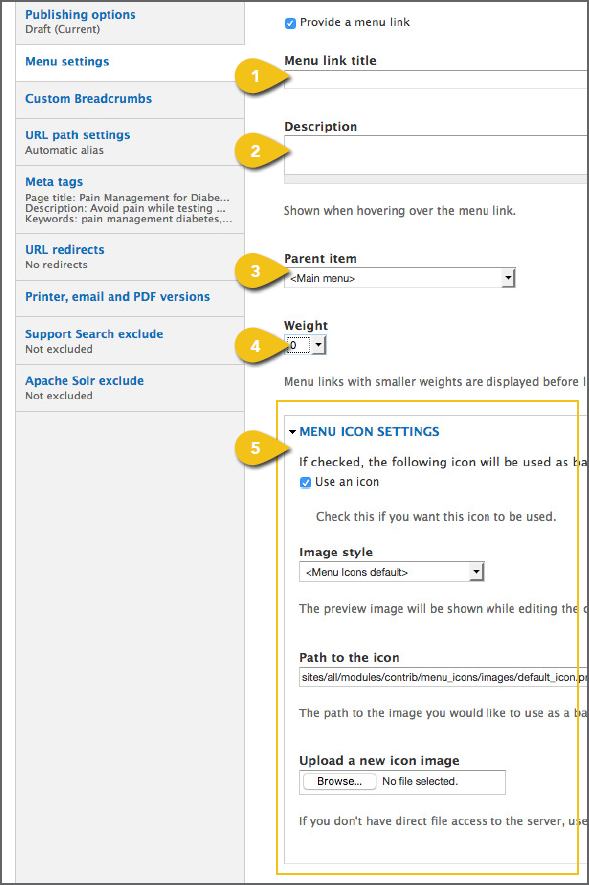
Check the Provide a Menu Link box to add 1. Enter the Menu Link Title text as it should 2. Enter the Description that will appear 3. Select the Parent Item from the dropdown 4. Select the Weight from the dropdown ! You can go back and change the placement of 5. Select Menu Icon Settings. To use an icon, check Use an Icon. • Select an Image Style from the • Enter the Path to the Icon URL—the URL location of the background image • You can also upload a new icon ! Use an image with an aspect ratio of 1:1. If you use an image with another aspect ratio, it may be stretched or skewed when it appears on screen. |
 |
|
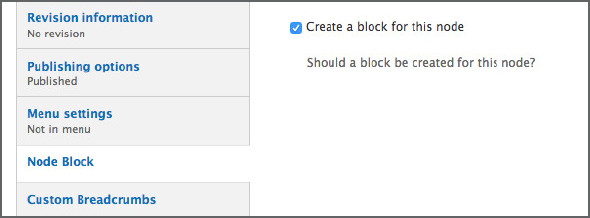
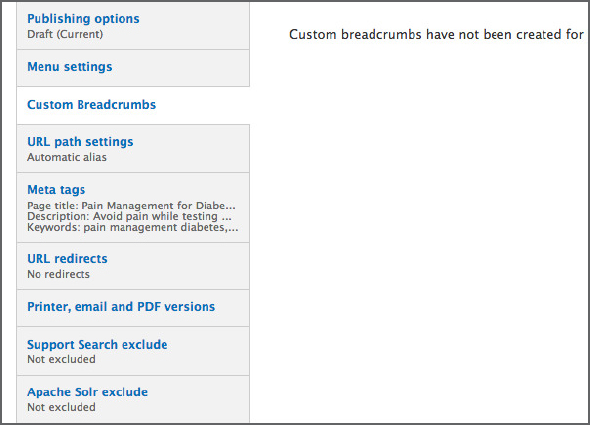
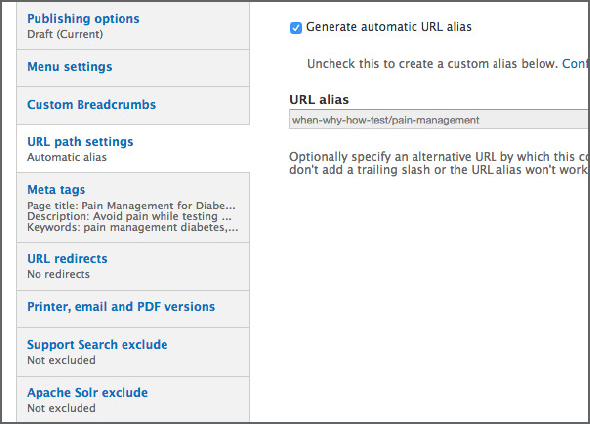
Node Block Check the box if you would like a block created for this node. Custom Breadcrumbs If necessary, you can customize the way a URL Path Settings A URL will be automatically generated for 1. Uncheck the Generate Automatic URL Meta Tags Add page and content meta tags that |
|
|
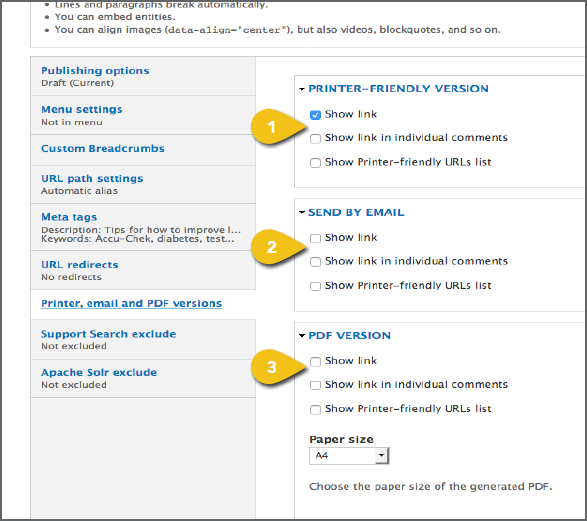
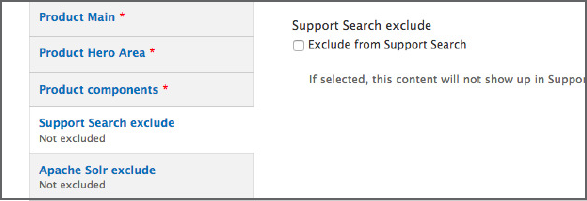
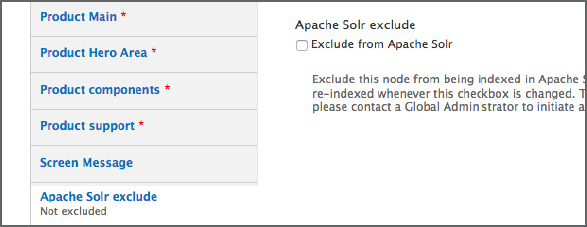
Printer, E-mail and PDF Versions Check boxes and change from defaults as 1. Printer-friendly version: The default 2. Send by e-mail: Select what information 3. PDF version: The default setting is Support Search Exclude Check the box to exclude this content from Apache Solr Exclude Check the box to exclude this content from |
|