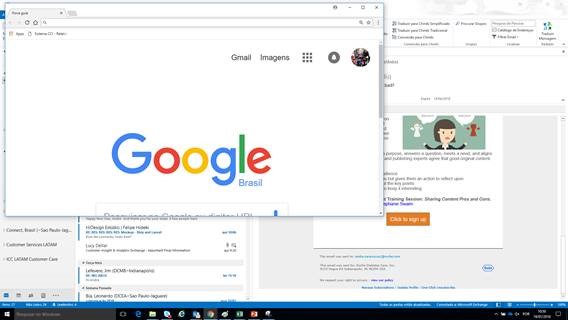
Issue description: Recipient clicks a link in an email which is coded to send an email (mailto link). A browser window opens instead of Outlook
Resolution: This may be a computer setting. To correct, please instruct the recipient to do the following:
- Type “settings” in your search window (lower left corner of Windows.
- Open settings.
- In the search window on the setting screen type “default app settings”
- Open default app settings
- Check the default app listed for email
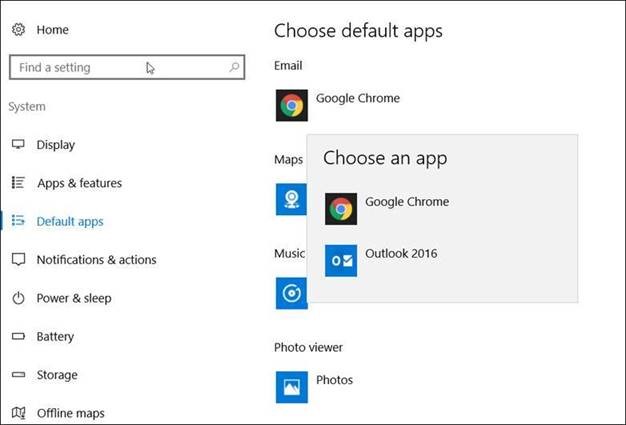
- If Chrome is display, click on it to choose a different app. Choose an app will appear
- Click to choose Outlook 2016
- Close settings.