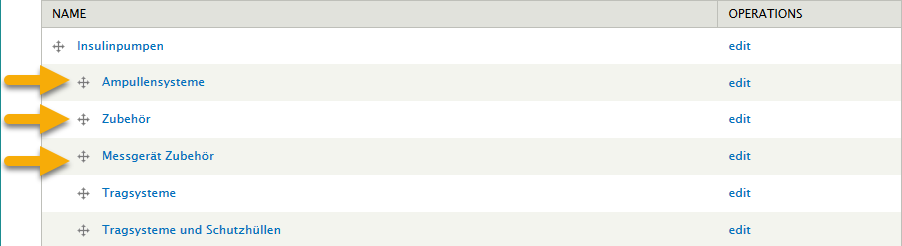
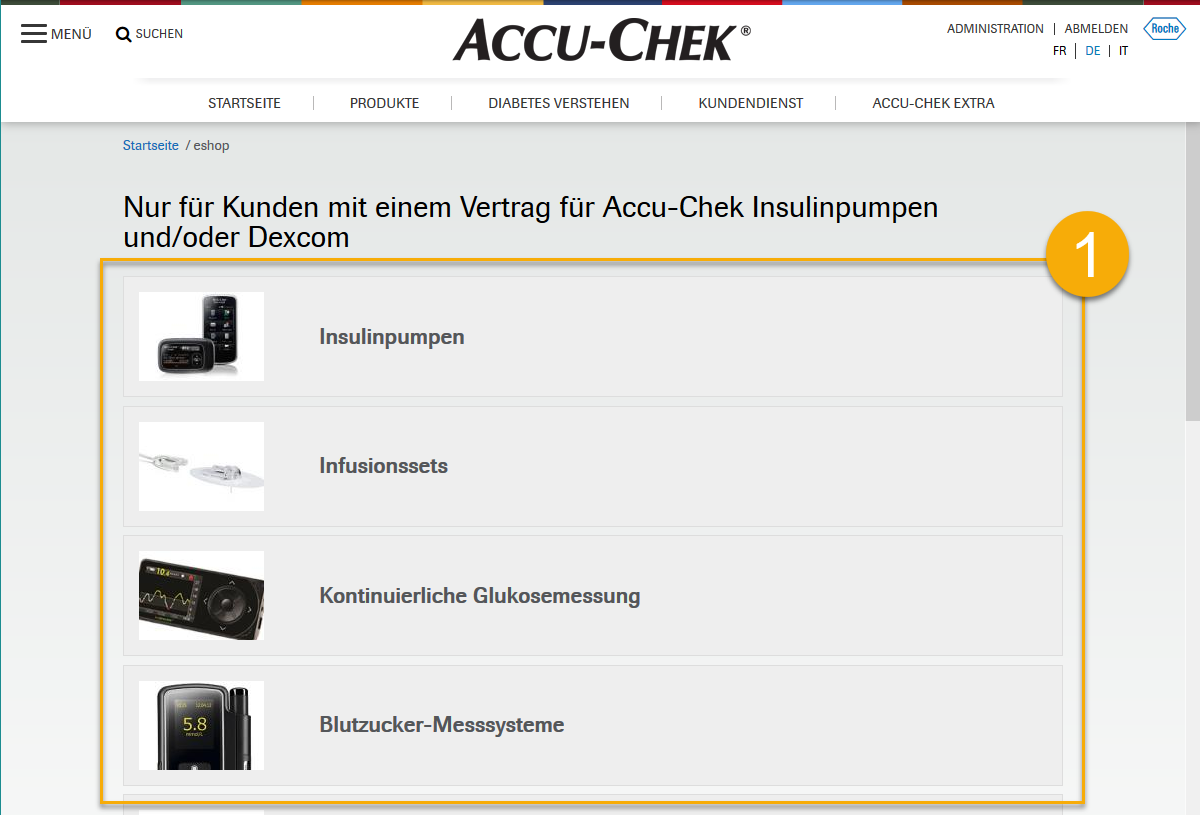
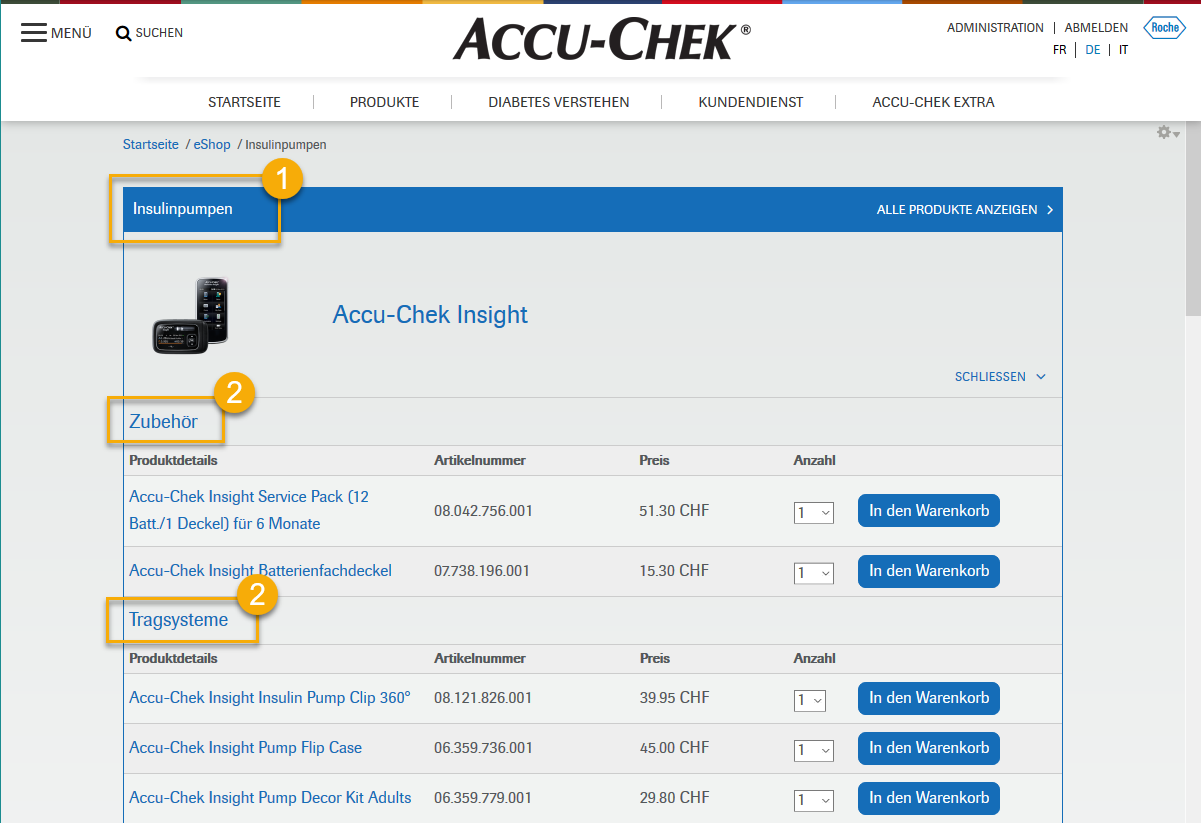
In order to add a category1 and subcategories2 to your e-Shop, please follow the instructions below.
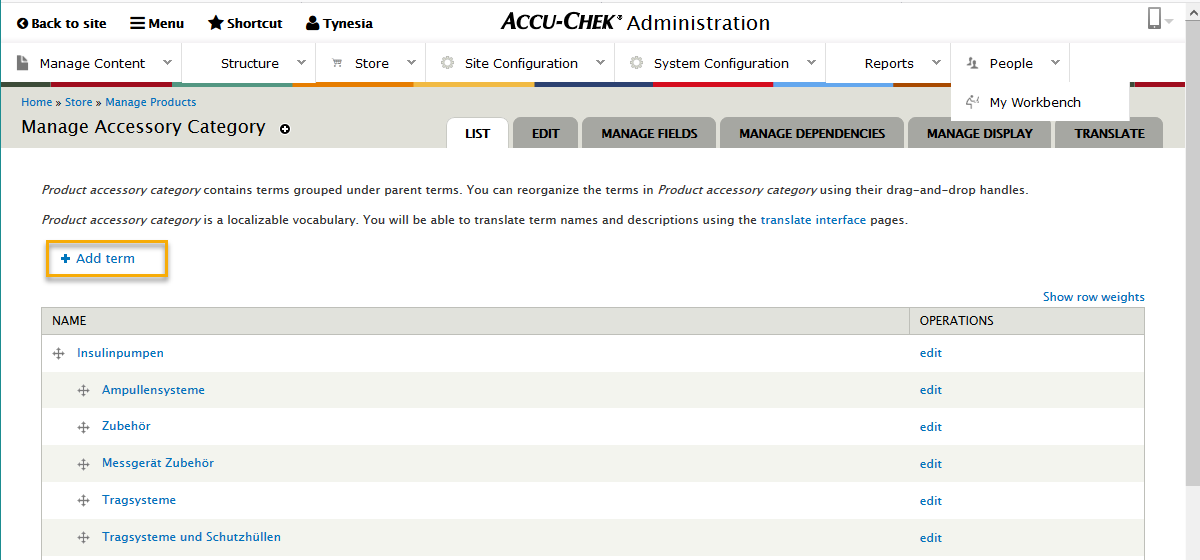
1. Go to the Store menu in the Admin Portal and select the Manage Accessory Category option.

2. To add a new category, select the Add Term link.
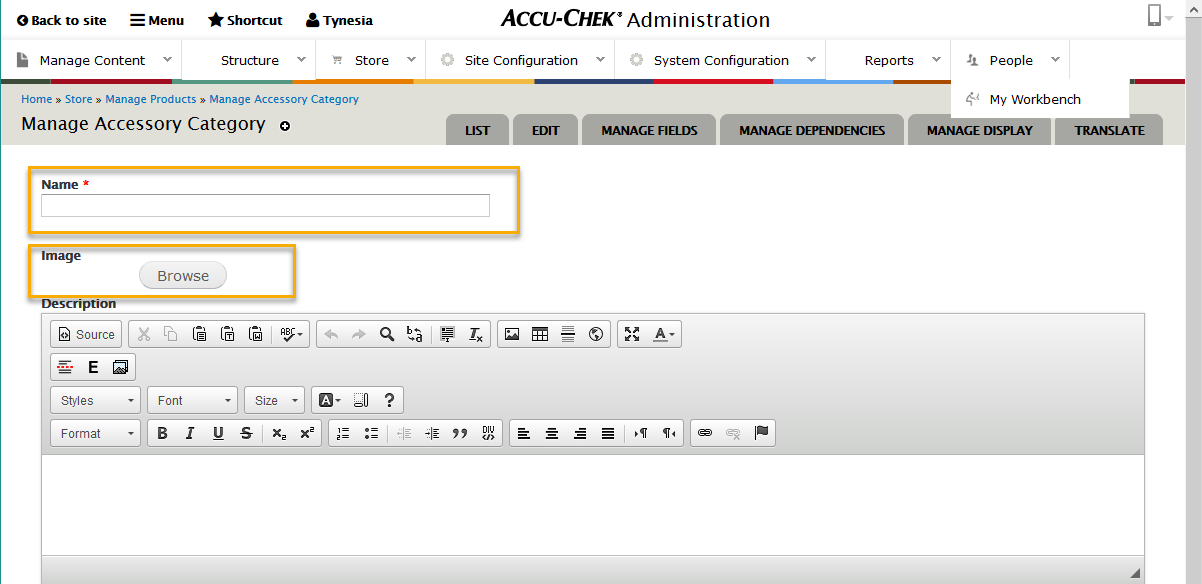
3. Provide the name of the category, upload a 400x400 pixel category image, select the appropriate language, if applicable, and click the Save button. (The Description field is not mandatory.)
4. Make sure the subcategories are indented underneath the categories so that they display on the subcategory landing page, not the main category landing page.