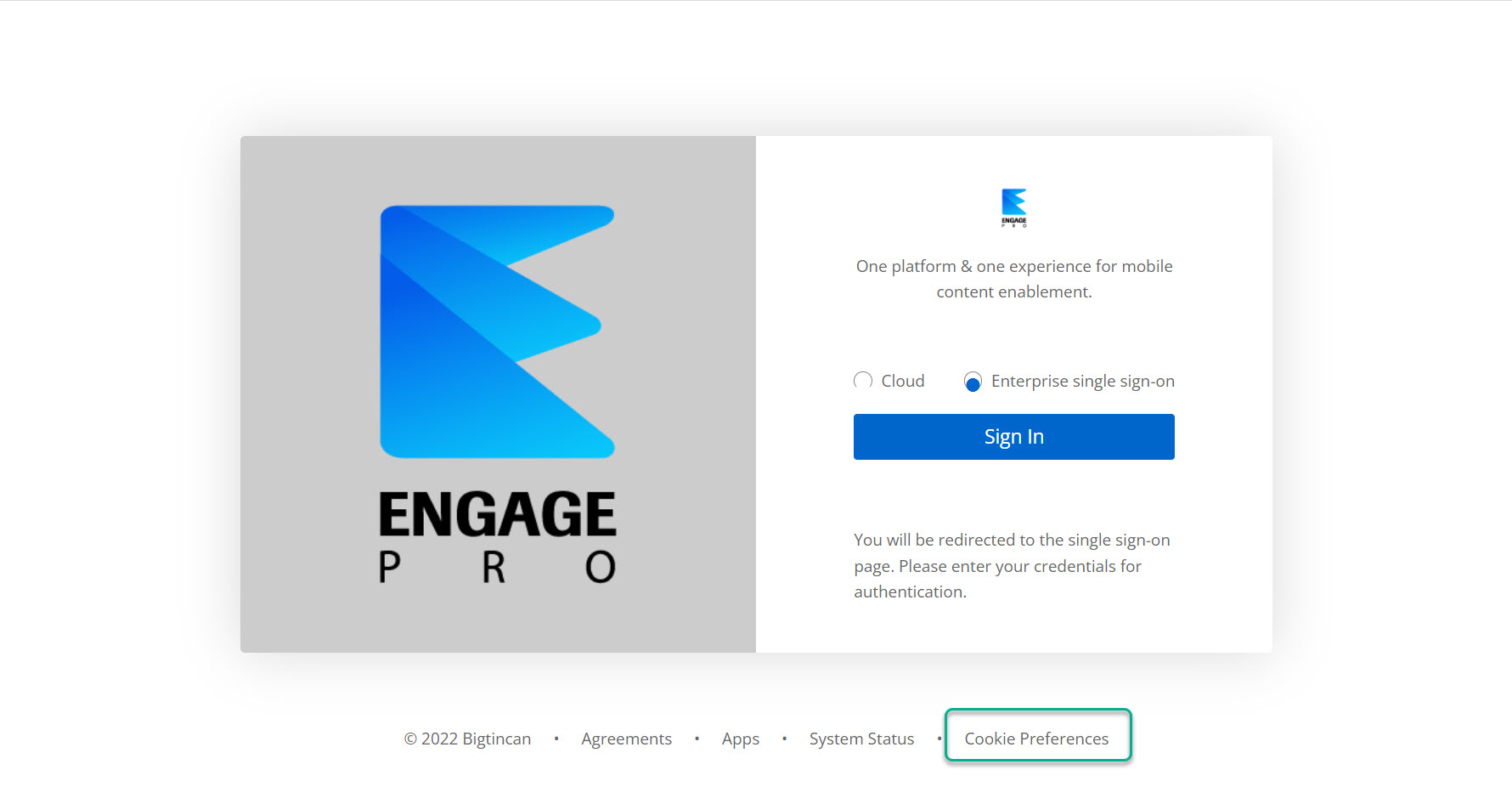
In order to set your cookie preferences for Engage Pro, please follow the instructions below:
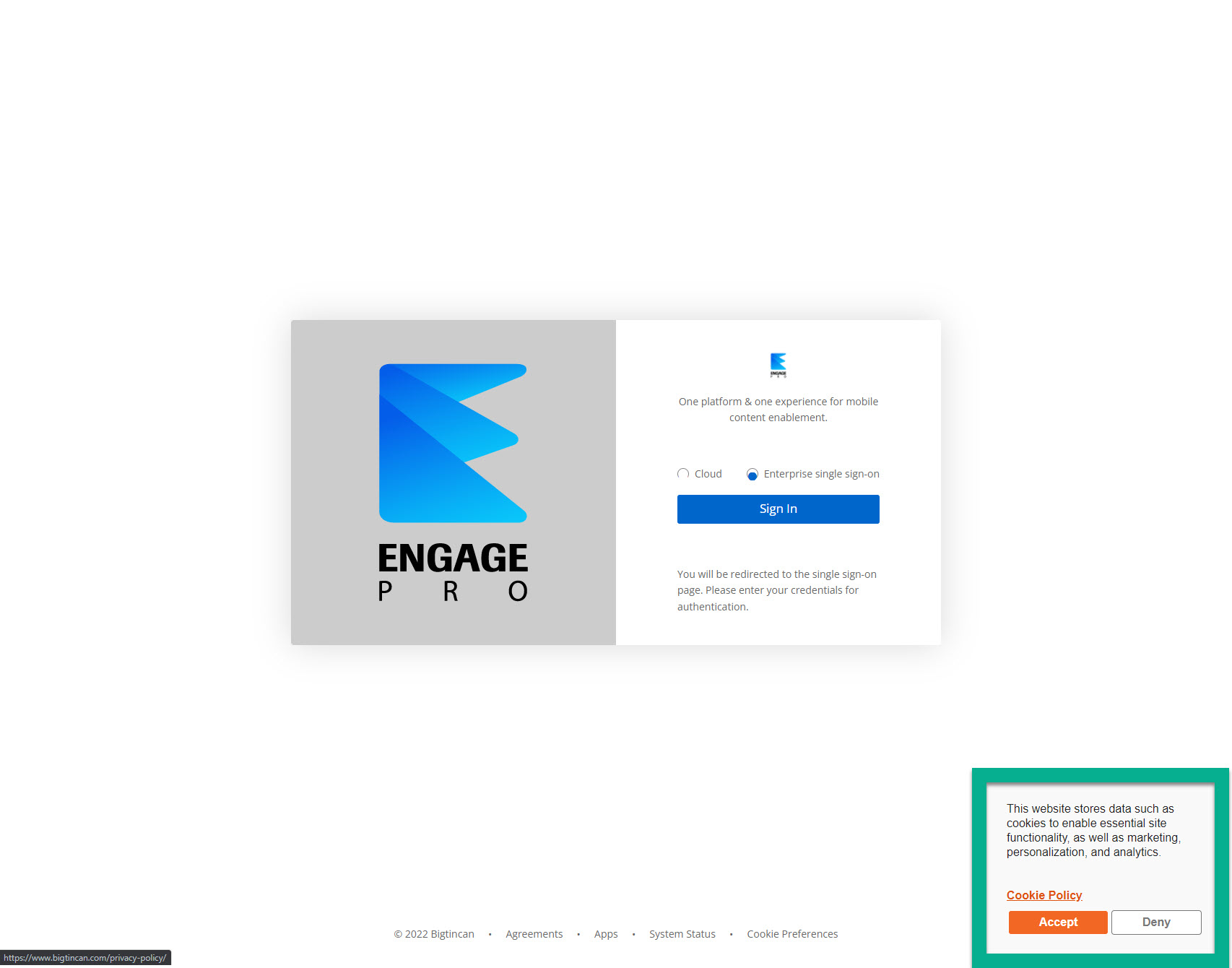
1. Click this link to go to the Engage Pro landing page. You should see a cookie pop-up window in the bottom right corner. If you are already logged into Engage Pro, please follow the instructions at this link to update your preferences.
2. To set your cookie preferences, click either the "Accept" or "Deny" button in the cookie policy pop-up window. To change your cookie preferences, please read the instructions in this article.
3. To update the cookie preferences, click on the "Cookie Preferences" link in the footer of the page. To update your cookie preferences once you have logged in, please read this article.