--PLEASE DO NOT SHARE THE LINK TO THIS DOCUMENT WITH PEOPLE OUTSIDE OF ROCHE.--
--This Knowledge Center is only for Roche Internal Use only. --
If a user would like for their account to be removed from WCMS, please follow the instructions below.
1. Log into the Admin Portal.
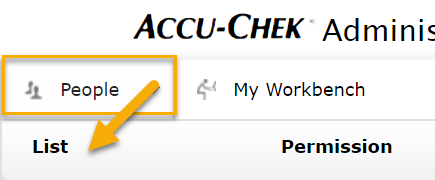
2. Go to the People tab and click on the List link.
3. Select the checkbox next to the user that would like their account removed.
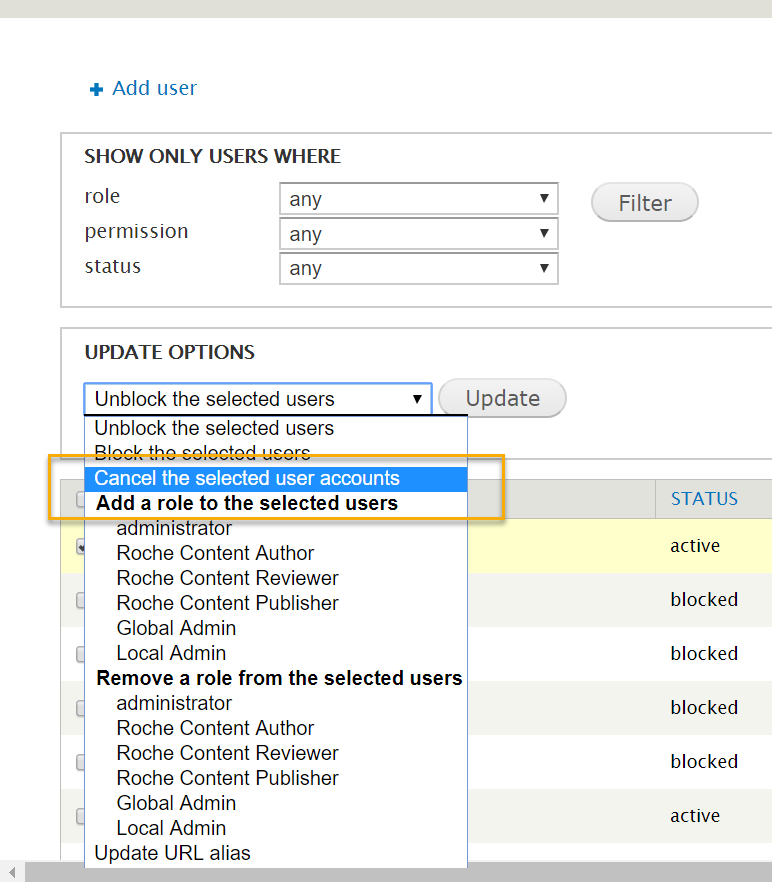
4. Select the Cancel the selected user accounts link, under the Update Options section, and click the Update button.